How to Check Driving Licence Status Online – DL Status Guide
Keeping track of a driving licence is important for every driver. Many people apply for a DL application but later forget to check the status. This can delay important work like vehicle registration or getting the registration certificate (RC). A quick application status check helps confirm if the licence is processing, approved, dispatched or pending verification.
In India, the government made this process simple through the Parivahan website. With a few details like application number and date of birth, anyone can check driving licence status online in minutes. The system shows updates, important information and the current progress of the licence application.
How to Check DL Status Online on Parivahan
The easiest method is the online system provided by the transport department. The process is simple and convenient.
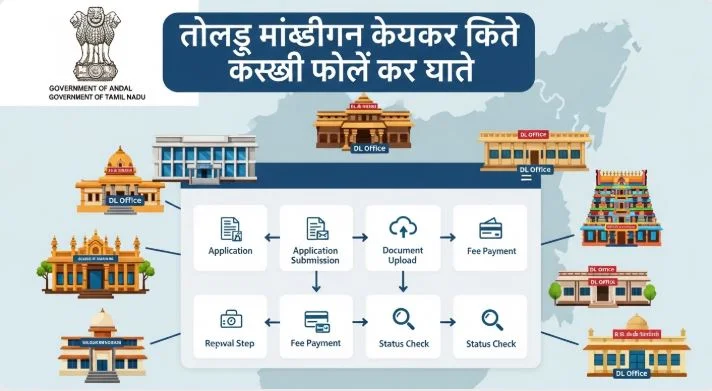
Follow these steps for a quick DL status check:
- Open the official Parivahan website on parivahan.gov.in.
- Go to the online services menu.
- Select driving licence related services.
- Choose your state where the licence is registered.
- Open the application status option.
- On the page, enter your application number.
- Add your date of birth.
- Fill in the captcha code.
- Click submit.
After clicking submit, the portal will display the current status of your DL application. You will see the following results on the screen.
- Processing.
- Approved.
- Dispatched.
- Pending verification.
Documents Needed to Check Driving Licence Status
To complete the online check, only a few basic documents or details are required. These details act as a unique identifier for your licence application.
Important details required are:
- Application number: The unique identifier received after the application.
- Date of birth: The same birth date recorded in the DL application.
These details help the system verify the applicant and show the correct current status. If these details are entered correctly, the portal immediately shows the application status and other updates related to the driving licence.
How to Check DL Status Offline with RTO
Sometimes, internet access is not available. In that case, the offline methods also work well. The Regional Transport Office (RTO) takes about two weeks to issue a driving licence after the applicant passes the relevant test. During this time the department may authenticate the applicant’s information and prepare the licence for dispatch.
A simple step-by-step guide for offline channels:
- Visit the nearest Regional Transport Office (RTO).
- Go to the inquiry center.
- Meet the designated official.
- Provide your application number.
- The officer will verify the current status.
The officer checks the DL status in the system. This status helps confirm whether the licence is ready or still under processing. Many drivers prefer to visit their local RTO office because the online portal shows limited information.
How to Enquire About Your DL Status
Some people prefer personal assistance instead of checking the website. For such cases, there are other ways to inquire about the DL status.
- Visit the nearest RTO.
- Speak to the designated official.
- Provide relevant details such as the application number.
This is useful when:
- The application status does not update online.
- The dispatch is delayed.
- Extra verification is required.
Getting the latest updates from the RTO helps avoid confusion and ensures the driver’s license process moves smoothly.
FAQ – Driving Licence Status Check
How can DL status be checked online
Open the Parivahan website, choose driving licence-related services, enter the application number, date of birth and captcha code. Then click submit to check the application status.
How long does the RTO take to issue a driving licence?
Usually about two weeks. During this duration, the transport department verifies the applicant’s information and prepares the licence for dispatch.
Can DL status be checked offline?
Yes. A person can visit the nearest Regional Transport Office and provide the application number to the officer for status enquiry.
What details are required for driving licence status check?
The main details are the application number and the date of birth.
What if the application status shows pending verification?
It means the transport department is still checking relevant details or documents. The status usually changes after verification is completed.
One Comment